 PDigger
Timeline modes and collections
The journal has three modes: Work, Coverage and Changes. Collections in the sidebar are All, Today and Yesterday. Newest first. When a next page exists, the notice above the list says to use Show more below.
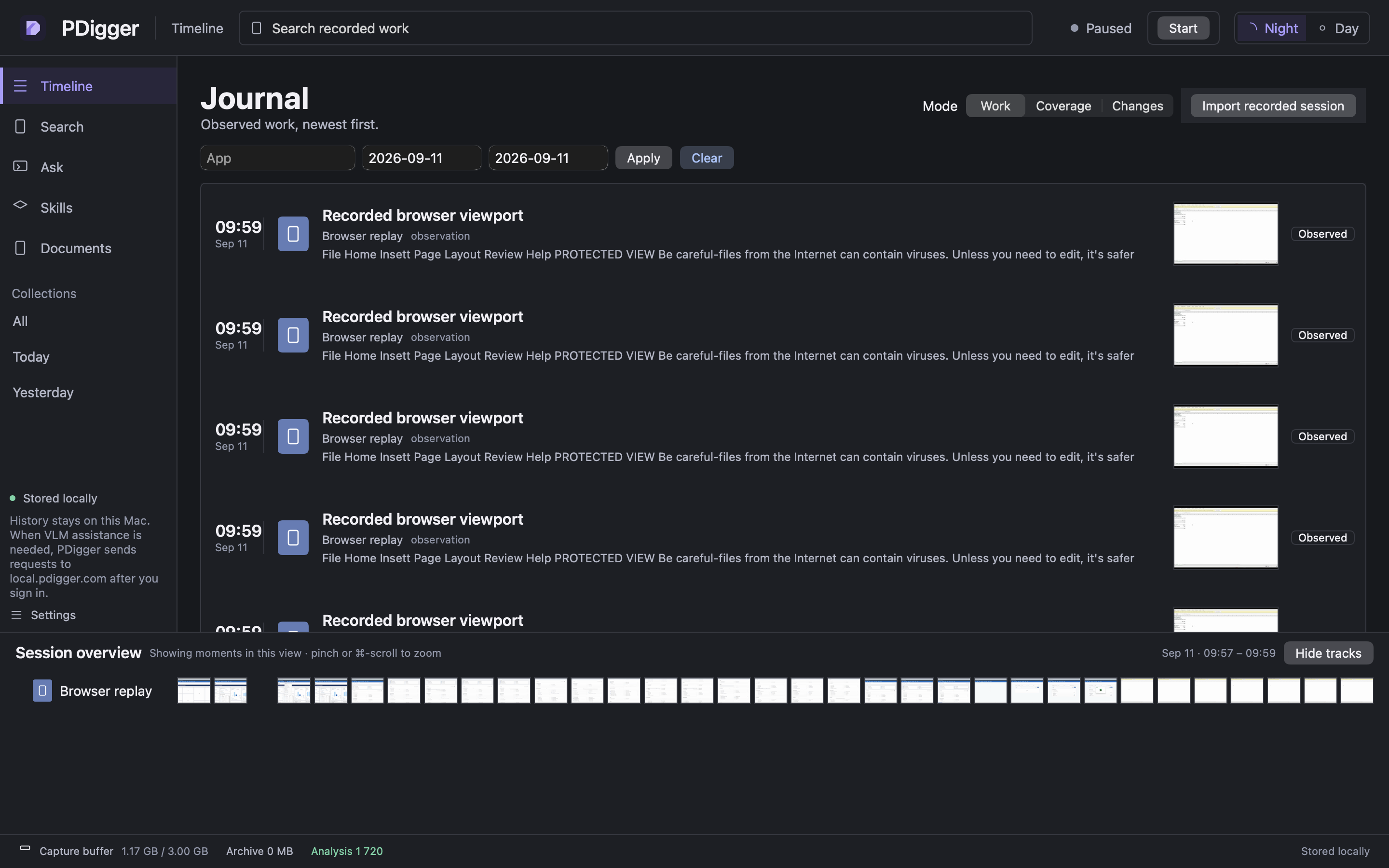
Import a recorded session
Import recorded session on Timeline (and the first-run empty state) loads a pixels-only replay. Captions and evaluator transcripts are not imported. Imported windows are titled Recorded browser viewport and the app name is Browser replay.
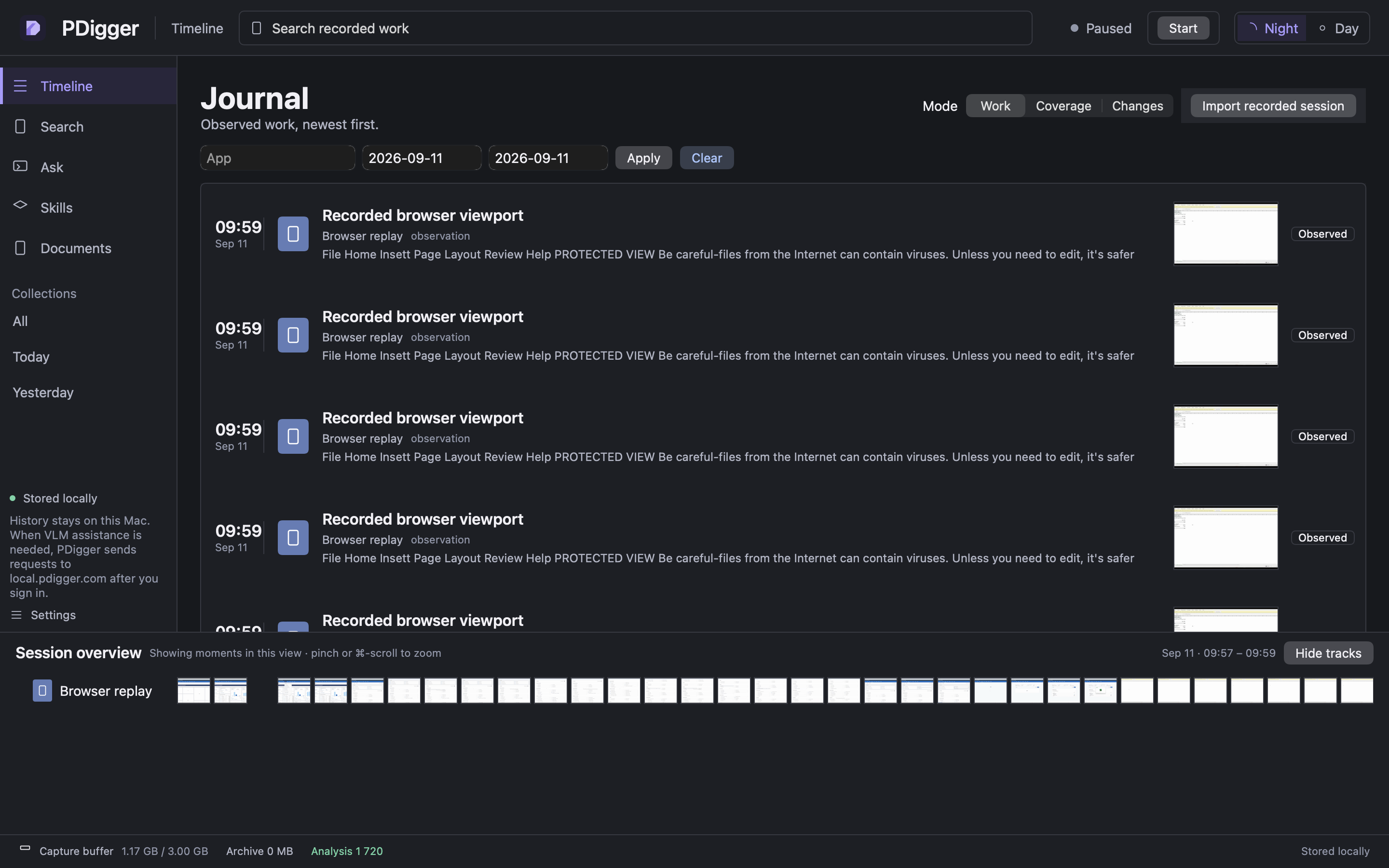
Documents
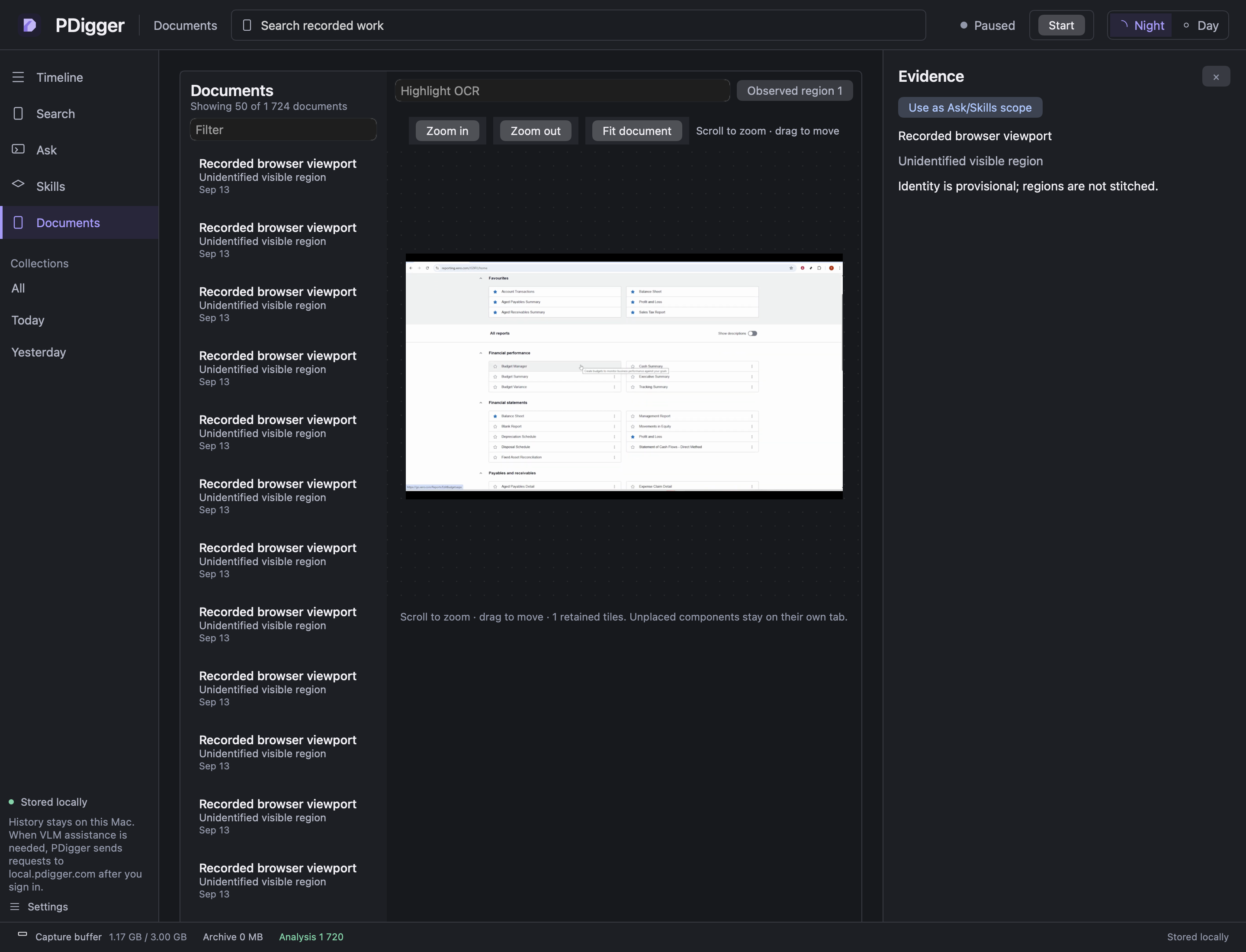
The list says Showing N of total. Until you select a row, the map column says Select a document. After a selection: Highlight OCR, Zoom in / Zoom out / Fit document, and Scroll to zoom · drag to move. Ambiguous frames are never stitched into one surface.
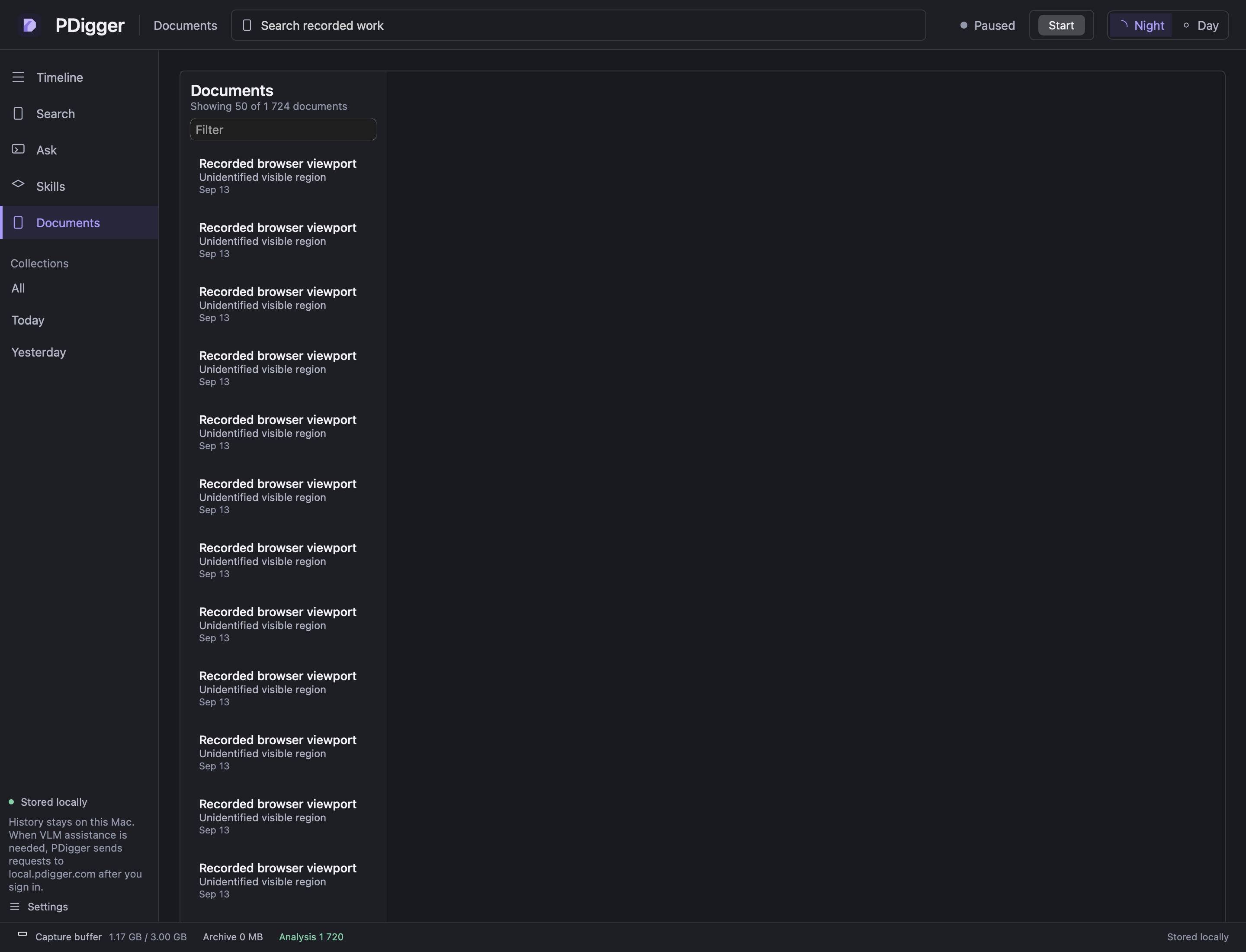
Inspector
The Evidence column exists only after you click a timeline row, search hit or citation. Close it (or clear the selection) to return the list to full width. There is no empty “Select a record” placeholder.
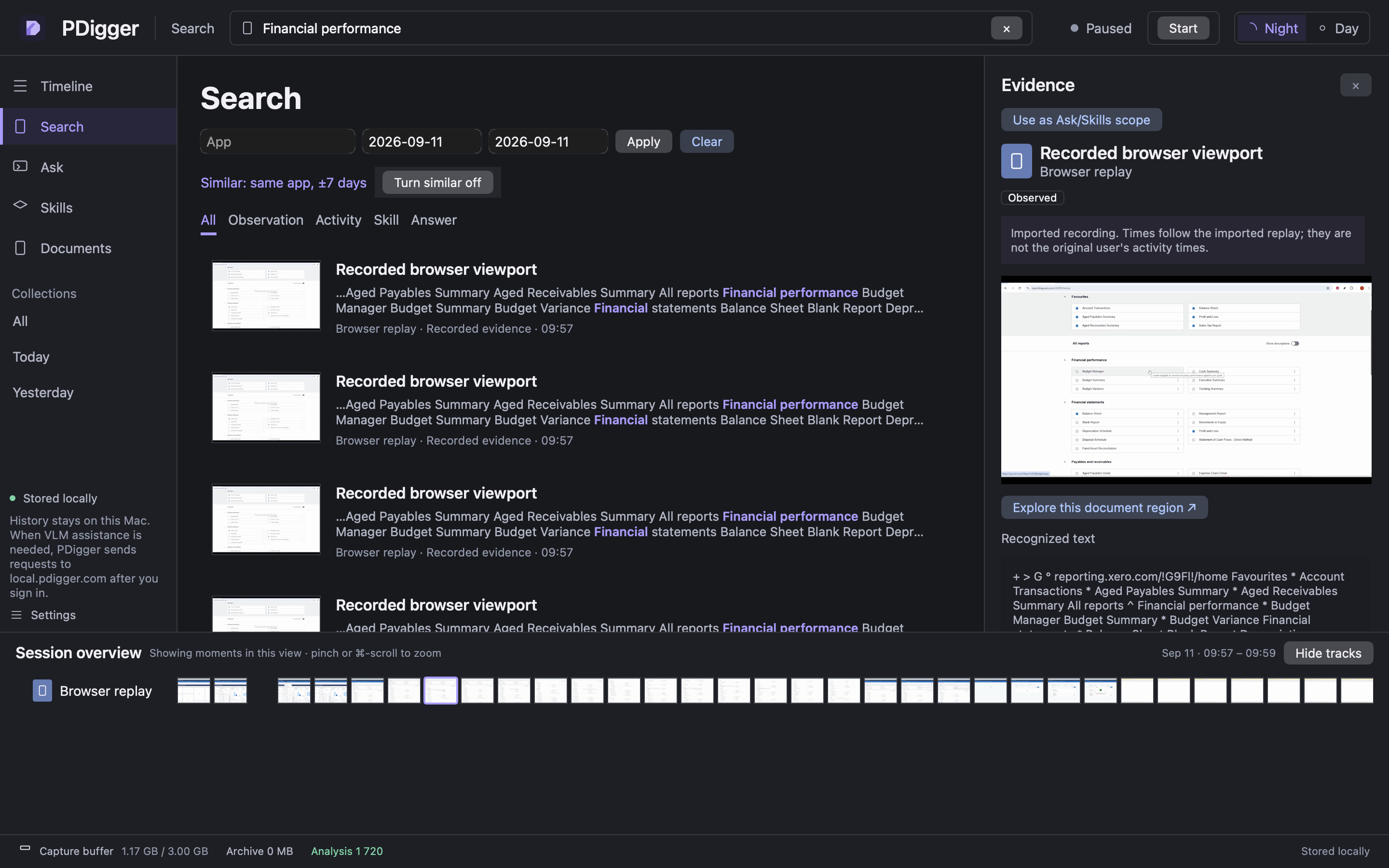
Night / Day
The top-right Night / Day control changes the whole workspace and remembers the choice on this Mac. History and credentials are not stored in that preference.
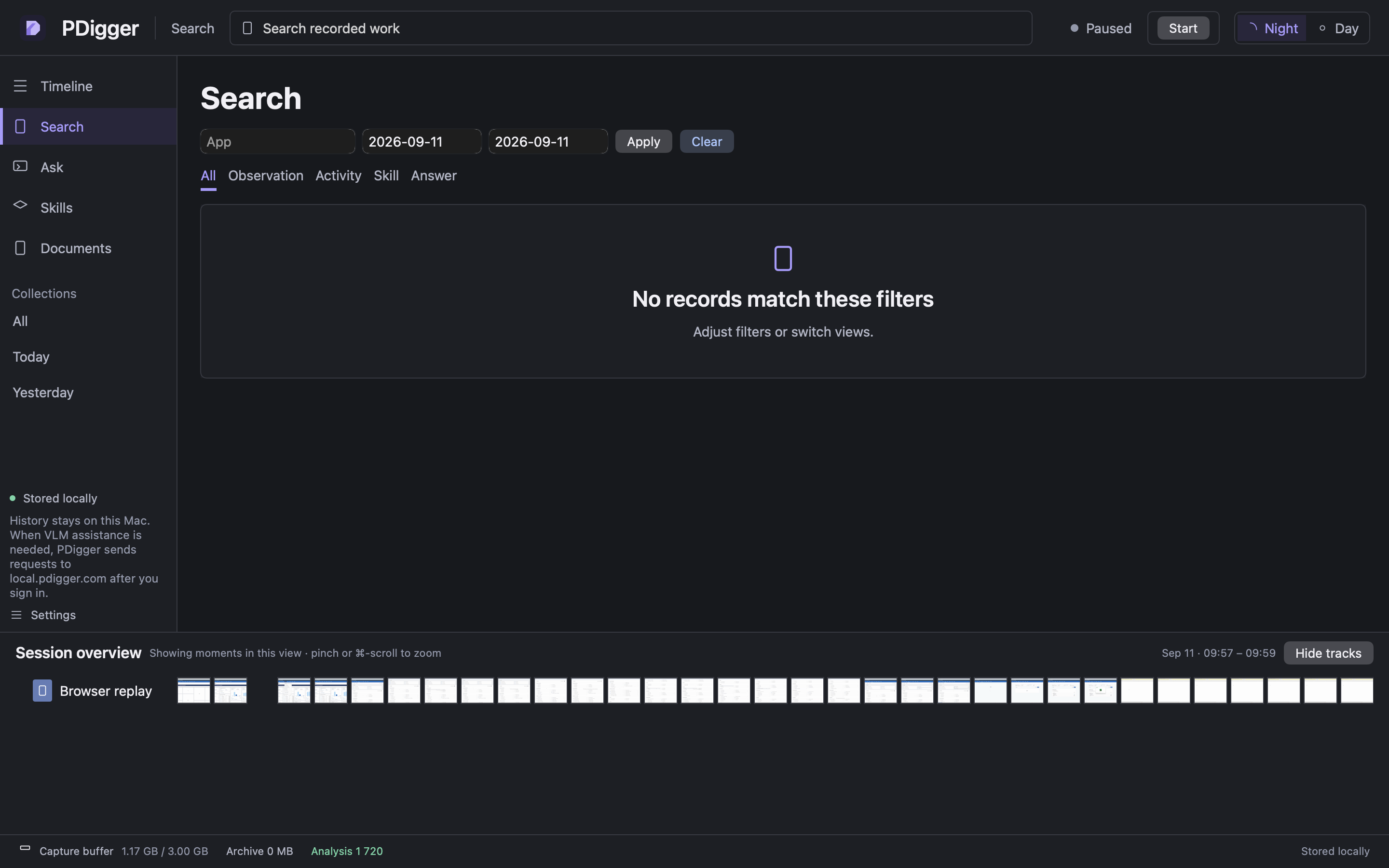
Settings, tokens, diagnostics
Settings shows VLM input and output tokens for the last 30 days in millions (for example 6.19M). Lifetime raw counts are not shown.
Mark issue stores a fixed issue type in the local diagnostics. Export diagnostics… writes a JSON file you can review before sharing. Diagnostics contain no document content, screen images, typed text, titles, URLs, file paths or credentials. Exporting does not send anything.
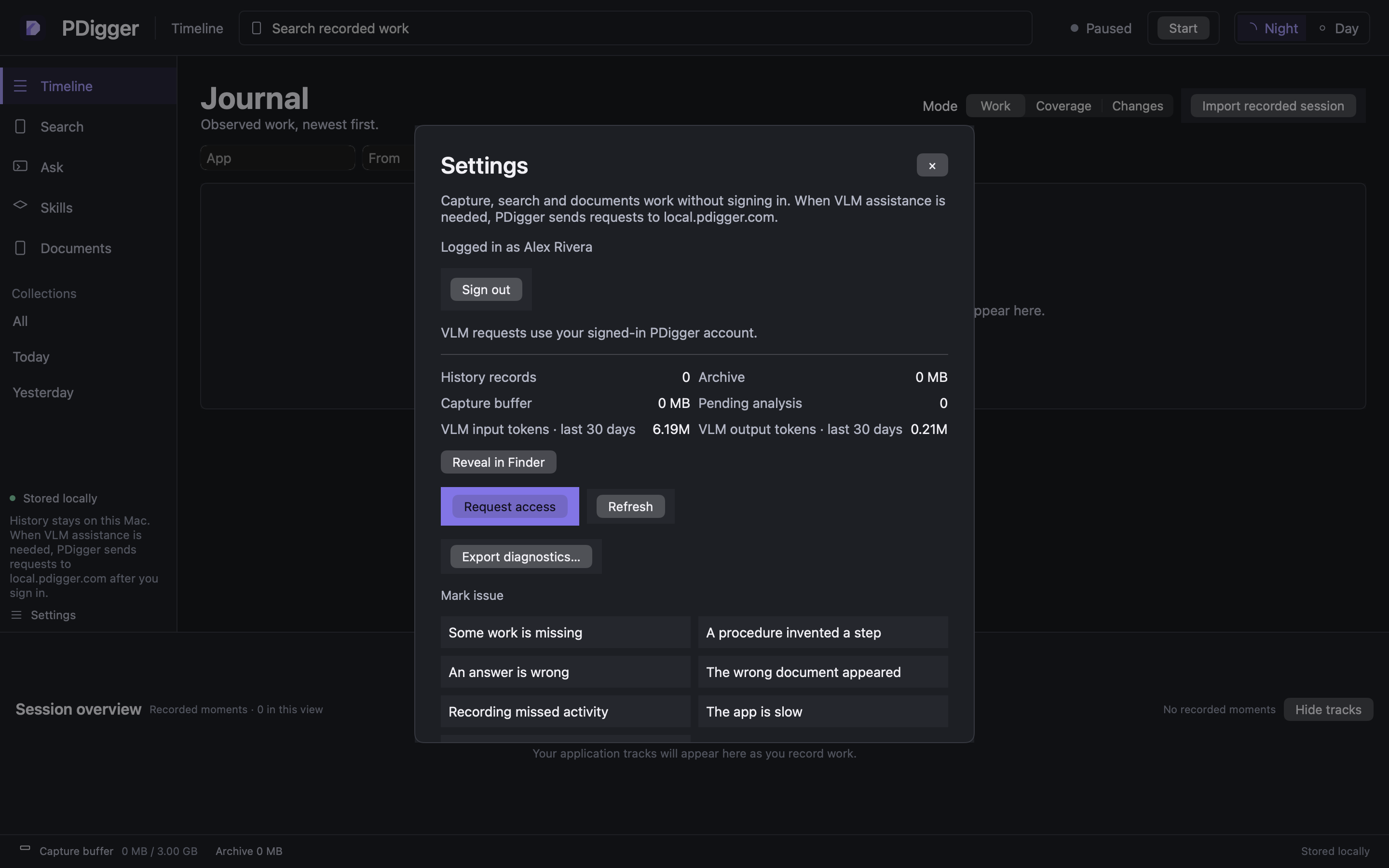
Quota / allowance
If Ask or Skills hit the daily cap, the banner is Your daily VLM allowance is used up. Pending analysis resumes tomorrow. The reset is 00:00 UTC. Capture, Search and Documents keep working.
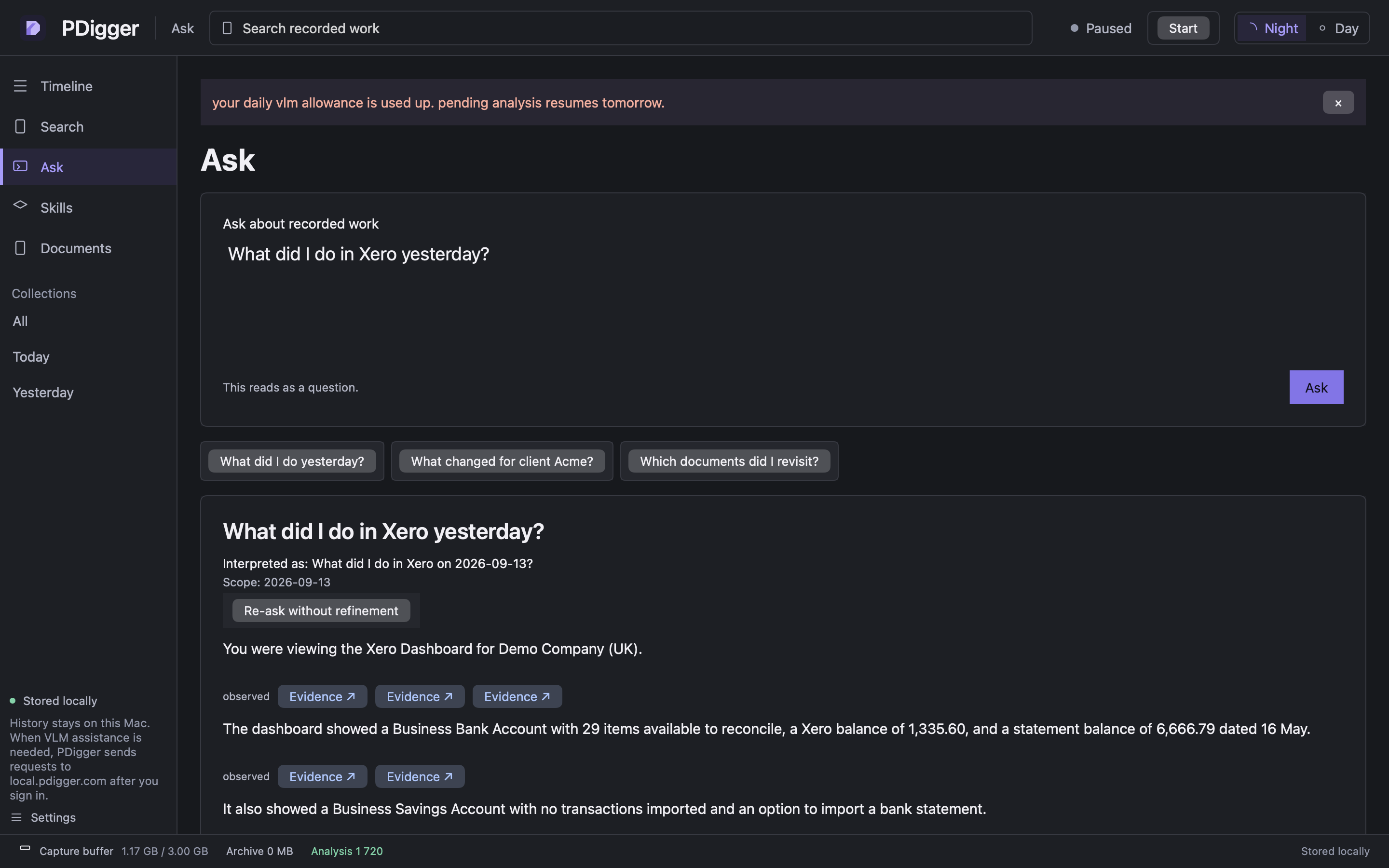
What is sent after sign-in
History, maps and the capture buffer never leave this Mac. After Google sign-in, VLM assistance sends only the bounded evidence for that question to local.pdigger.com. See Privacy for the list. Uninstall does not delete history.