PDigger
Step 1
Open Ask
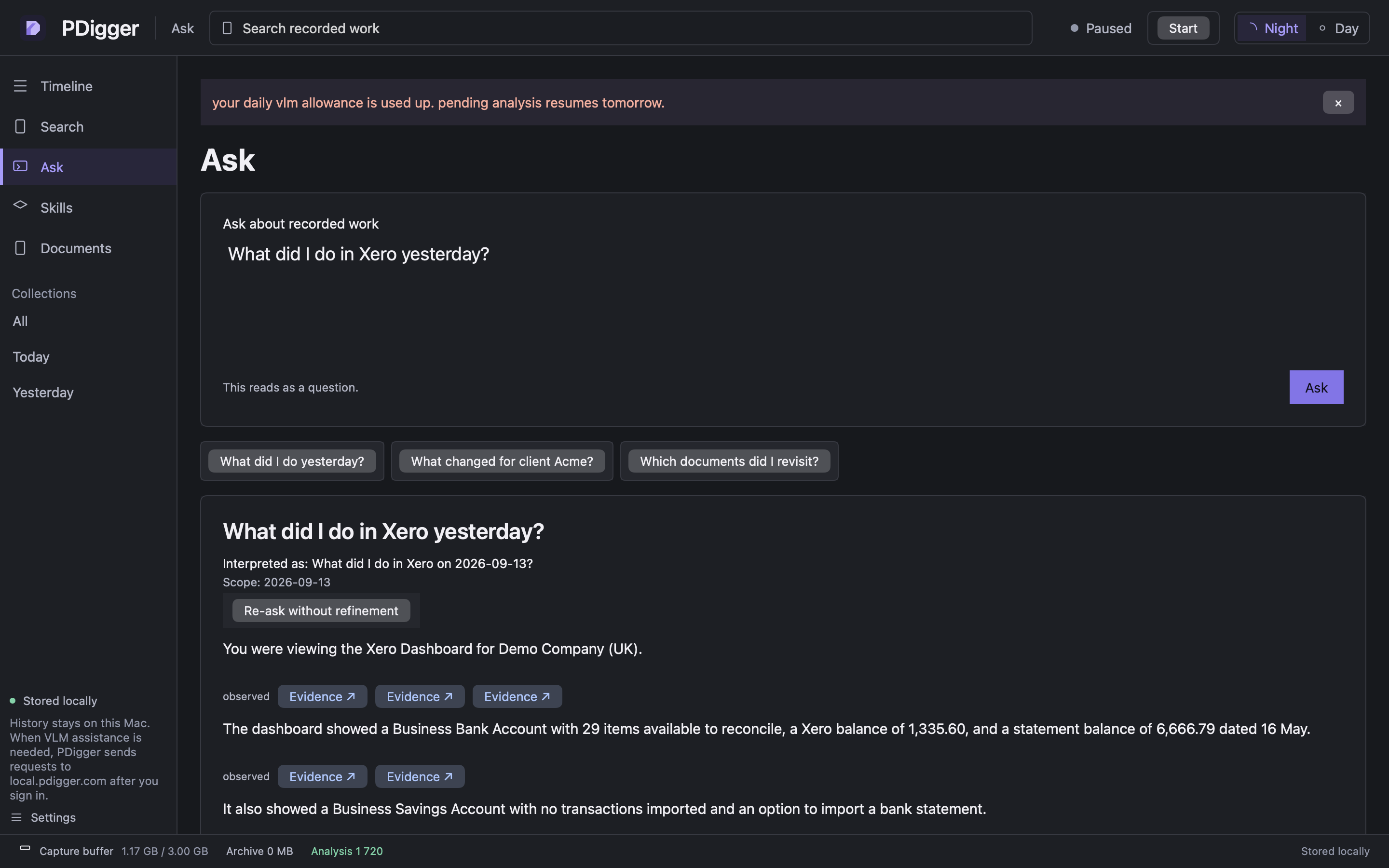
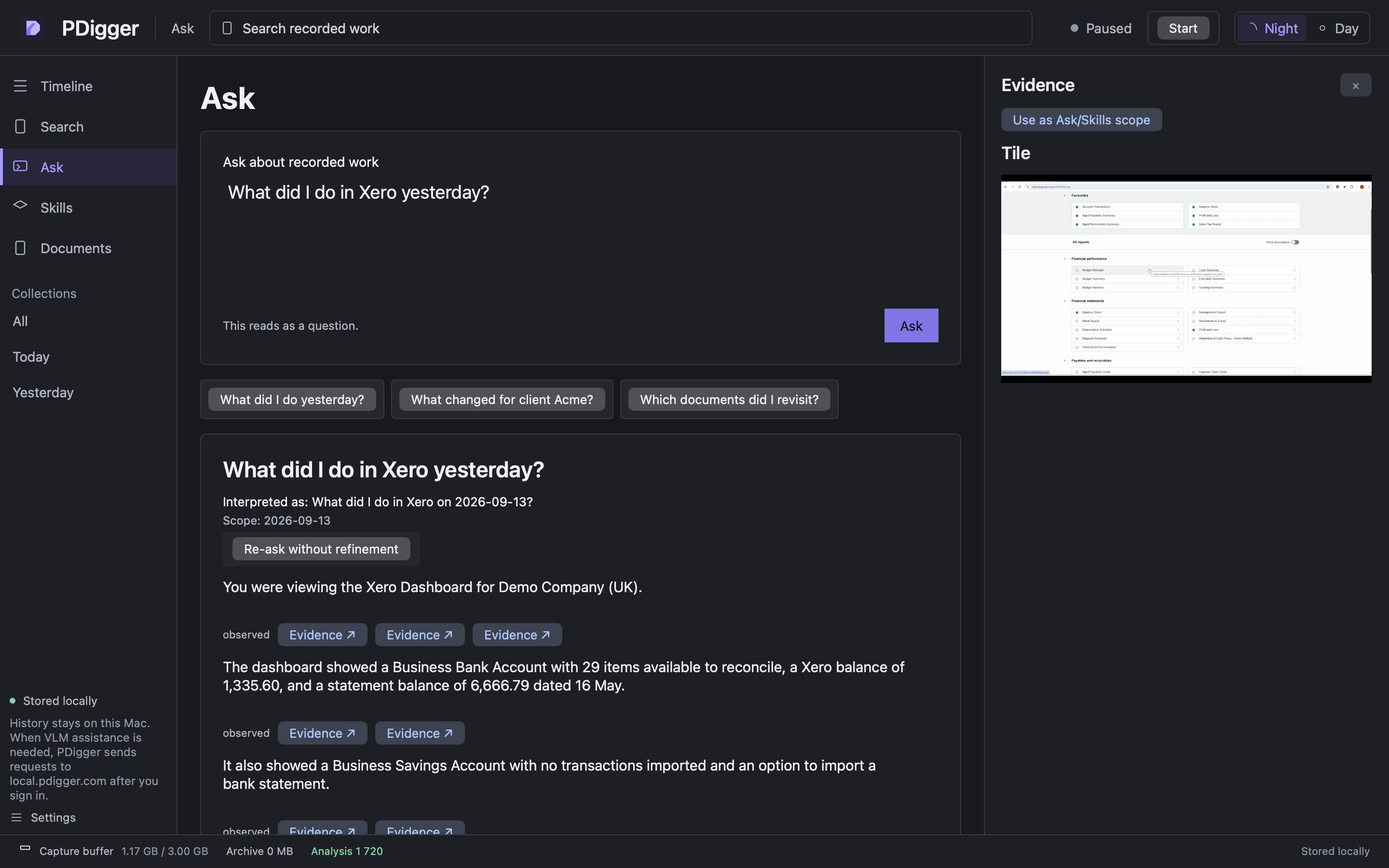
Choose Ask in the sidebar. Example questions:
- What did I do in Xero yesterday?
- Which customer did I invoice, and what was it for?
- What did the bank reconciliation screen show?
Step 2
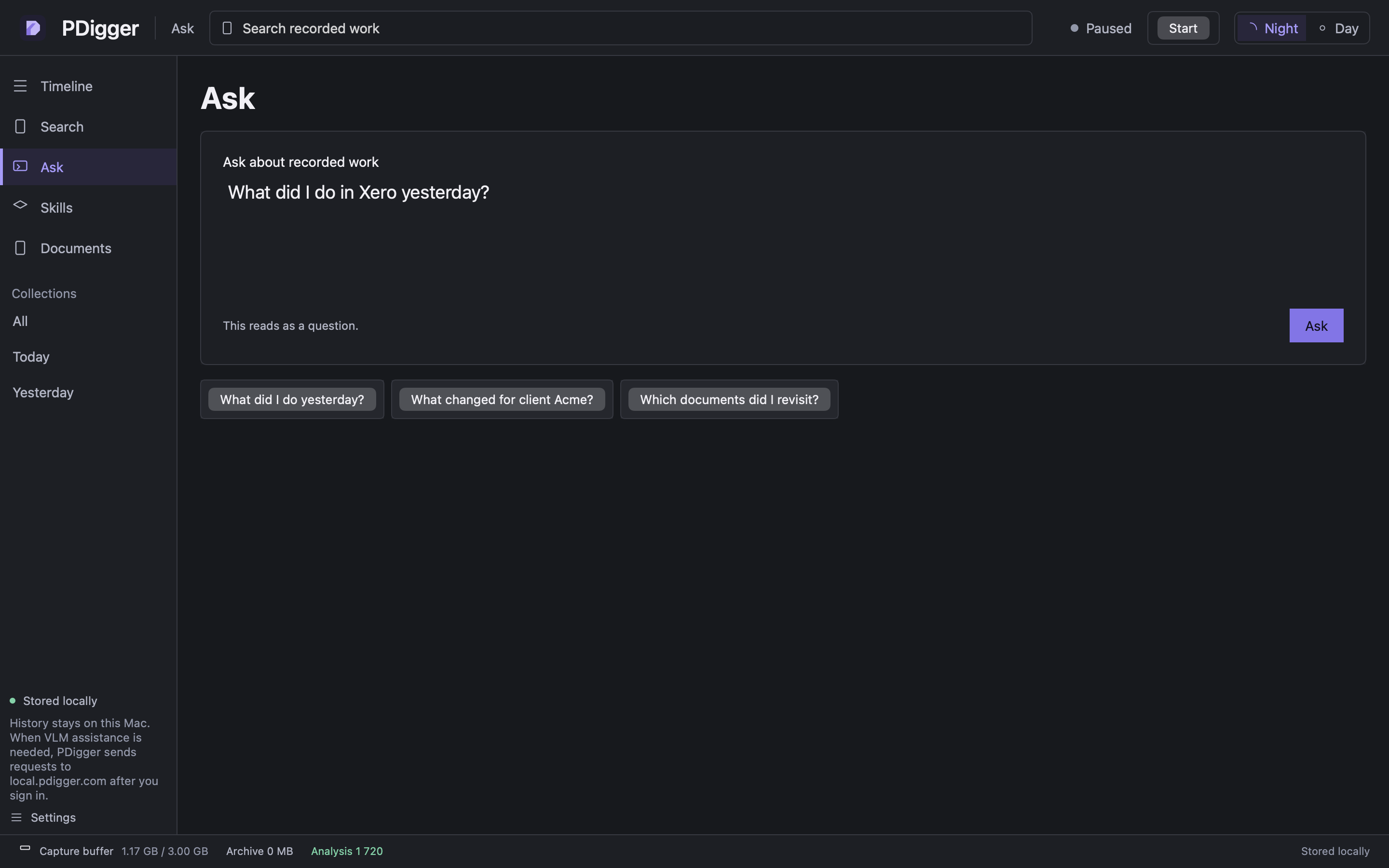
Optional date and app filters
From / To and the app field on the workbench still apply. If the question has no date, app or document and matches a very large history, PDigger asks you to confirm before it runs.
Step 3
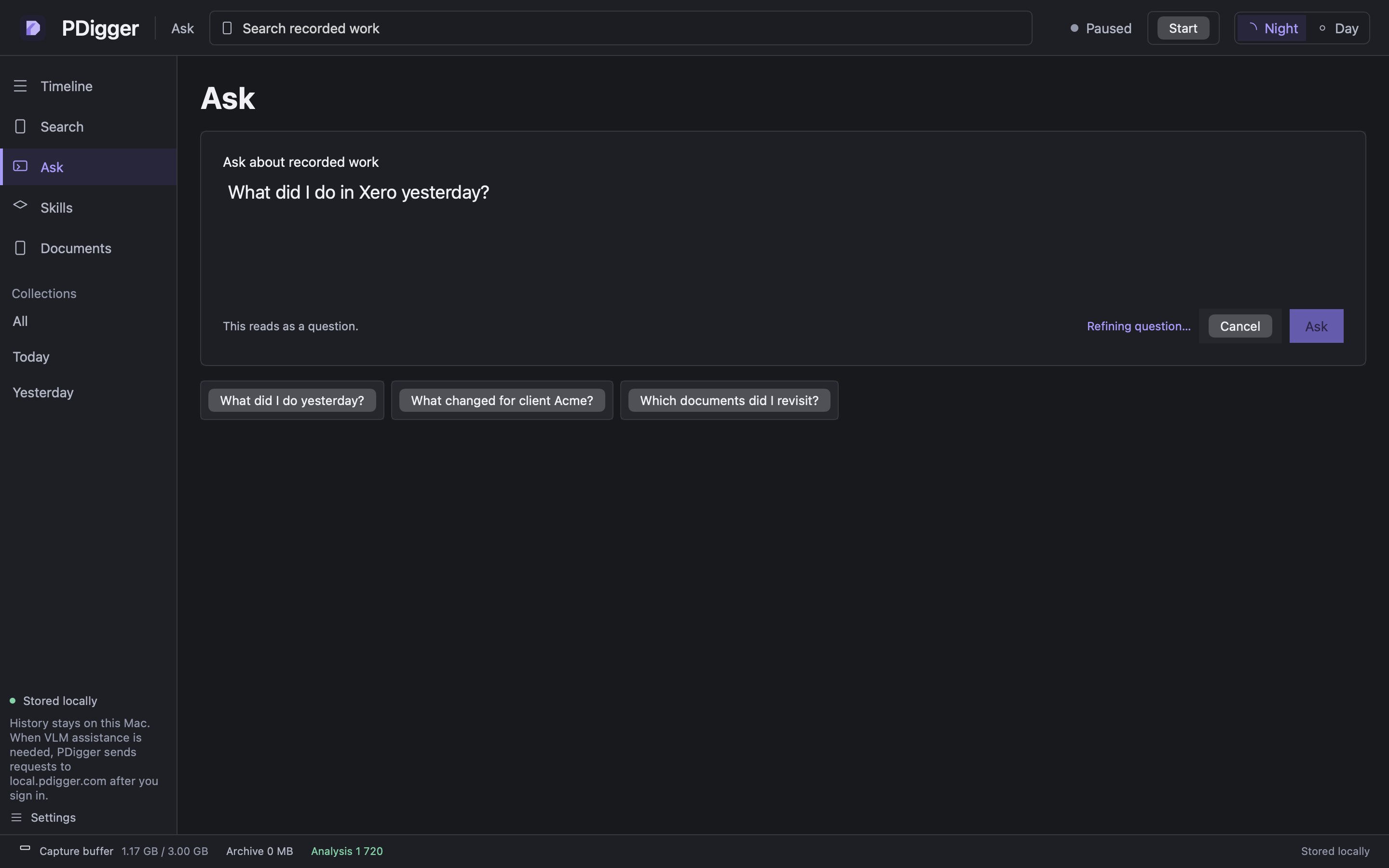
Watch the progress line
While the question runs you should see Refining question…, then Answering…. Cancel stops that run. Completed summaries already stored are kept.
Step 4
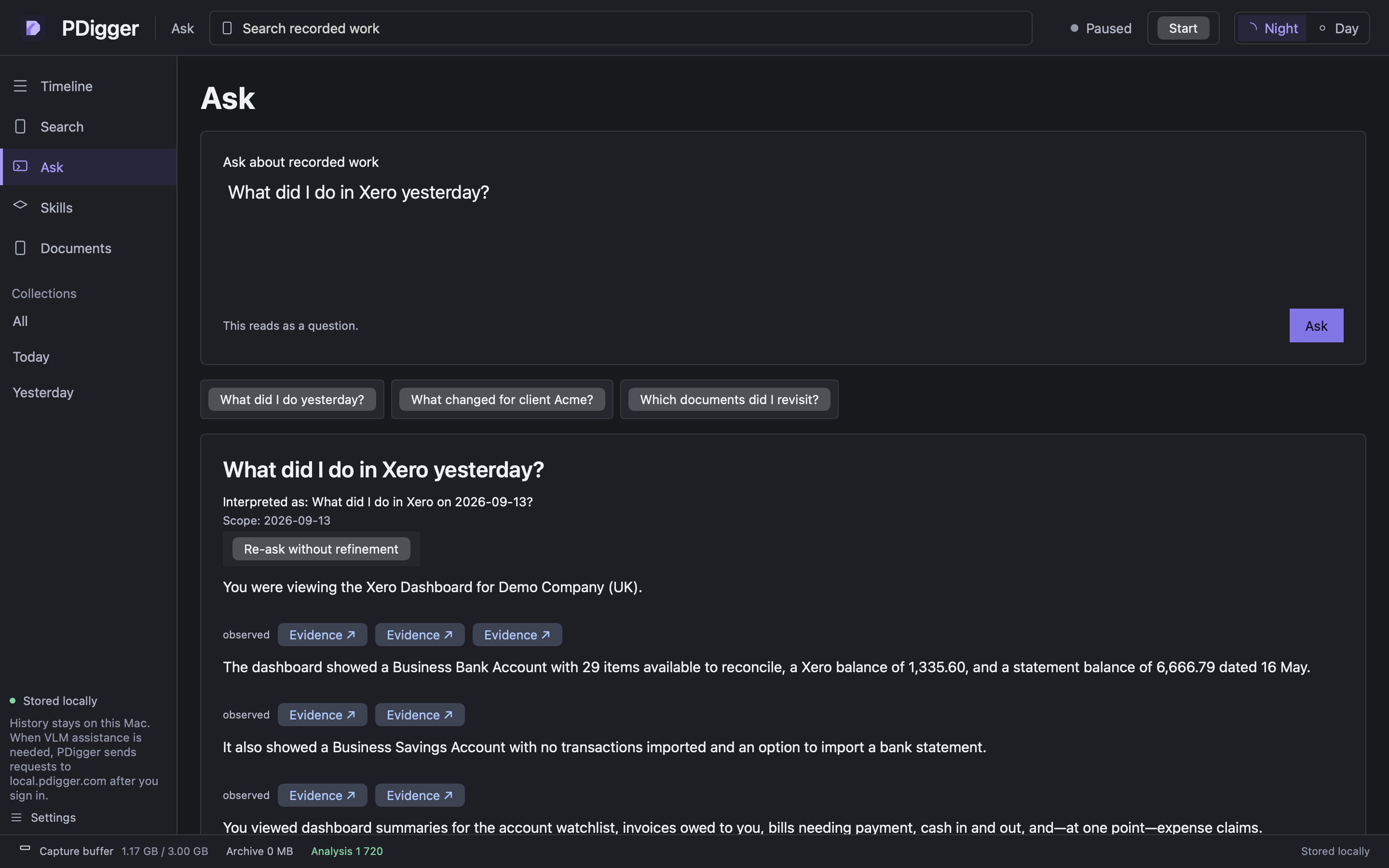
Read Interpreted as and Scope
The card shows the question as asked, then Interpreted as (how the wording was narrowed) and Scope (the day, apps or “all recorded history”). Re-ask without refinement repeats the question using only the filters you set.
Claims are about what was visible. Public or tutorial footage cannot prove keystrokes, unseen invoices, or why a control was clicked.
Step 5
Open a citation
Each claim can offer Evidence ↗. Click it to open the inspector on that frame. Compare the sentence with the image. If they disagree, trust the image.
Step 6
If the daily allowance is used up
The banner Your daily VLM allowance is used up means Ask and Skills wait until 00:00 UTC. Capture, Search and Documents still work. Pending analysis resumes after the reset.